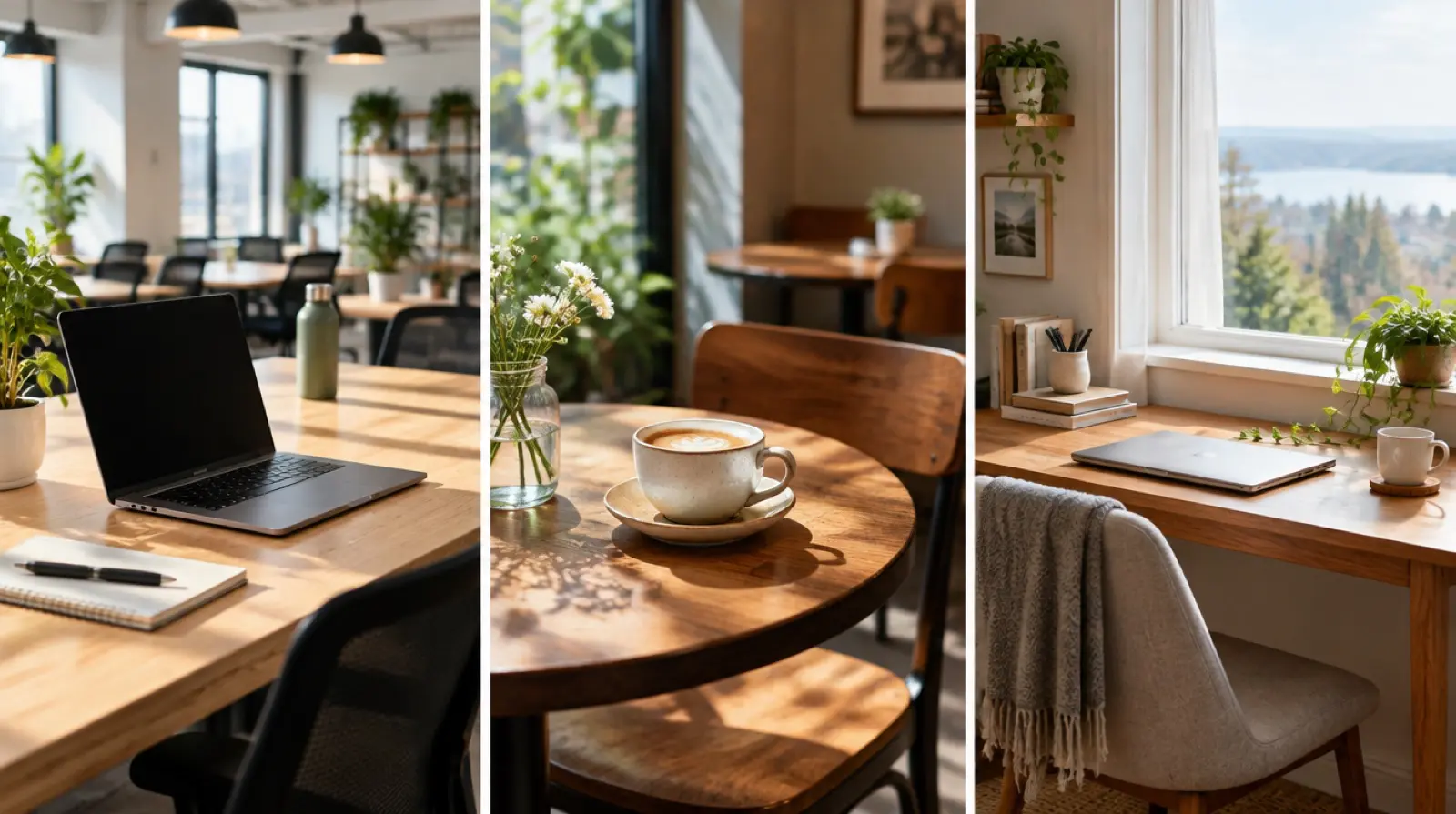
Coworking vs cafe vs home office travel is a budget question first and a focus question second. A café is the cheapest and least reliable, a coworking space costs the most per month and gives you the steadiest workday, and an apartment desk sits in the middle if the flat is set up properly. Most of us end up mixing two. Below are seven ways to decide, a table of monthly cost bands and a checklist.
Coworking vs cafe vs home office travel: seven ways to decide
Do not choose a setup on atmosphere. Choose it by how your workday actually runs. Work through these seven questions in order, and a pattern usually appears. None of this comes from tests we ran on a particular space; it is a framework for you to apply, with your own measurements.

1. How many hours of focused work do you need a day?
Four hours of writing and email is a different job from eight hours of calls and code. Light days can live in cafés. Heavy days, especially ones with long meetings, need a desk, a chair and a stable connection you control. Be honest about your real load, not your best week.
2. How many calls do you take, and how sensitive are they?
Calls are where cafés fail. Background noise, a music playlist and a flaky signal all show up on the other end. If you take more than a few calls a week, favour a coworking space with phone booths or a quiet apartment desk. Client confidentiality is a reason to avoid a public table.
3. What does your connection need to do?
Video calls, large uploads and remote desktops need steady upload speed, not just a high download figure. Ask about the actual connection and a backup. A shared network in a café can slow when the room fills, and a rented flat may share a router across several units. Test it at the time you will work.
4. What is your monthly budget for working space?
Set a ceiling before you shop. A coworking membership is a fixed cost, while café spend scales with how many coffees you buy. An apartment desk costs nothing extra if the rent already includes a workable table and chair, but you may pay more for a flat with a proper workspace. Compare the same month under each option.
5. How much do you need other people around?
Some of us work better with background company and others lose hours to chatting. A café offers anonymous company. A coworking space offers a community, events and introductions, which matters on a long stay when you know nobody. A home desk offers silence, which can become isolation by week three.
6. What is your ergonomic baseline?
A café table and a stool can wreck your back over a month. Check for a proper chair, a desk at elbow height and a place to plug in a monitor or laptop stand. A portable stand and a separate keyboard are cheap fixes that make cafés and rented desks more bearable. Back pain is a real reason to pay for a better setup.
7. How flexible do you need the booking to be?
Many coworking spaces sell day passes, weekly passes and monthly memberships, with different rules for each. A day pass lets you try a space before you commit. A monthly plan usually costs less per day but locks you in. Ask about cancellation terms and any deposit before you pay.
Coworking vs cafe vs home office travel: monthly cost bands
All figures are rough ranges in US dollars, and they vary by city, season and the specific venue. Treat them as a planning band as of 2026, then confirm local prices before you commit. A mid-sized base city sits near the lower end, a capital near the upper end.

| Setup | Rough monthly cost band | Strengths | Weak points |
|---|---|---|---|
| Cafés only | About US$40 to 150 in drinks and snacks | Cheap, flexible, easy to move around | Noise, weak call quality, no guarantee of a seat |
| Apartment desk | No extra cost, or a rent premium for a workspace | Quiet, private, set up as you like | Isolation, shared internet, home distractions |
| Coworking day passes | About US$5 to 20 per day, paid per use | Try before you commit, pay only when you need it | Costs add up fast if used daily |
| Coworking monthly plan | About US$50 to 250 or more | Stable internet, community, phone booths | Fixed cost, travel to the space, less flexibility |
| Mixed (apartment plus passes) | About US$30 to 120 | Quiet home days plus meeting days out | Needs planning each week |
For a month with about 10 calls a week, the mixed option often costs less than a full coworking plan and still gives you a reliable place for the calls that matter. If you work eight hours a day, five days a week, a monthly plan may cost less per day than daily passes.
Work-friendly spots by type
We do not recommend specific venues, because we have not tested any, and listings change. We can tell you what each type looks like, what to check and what to ask.
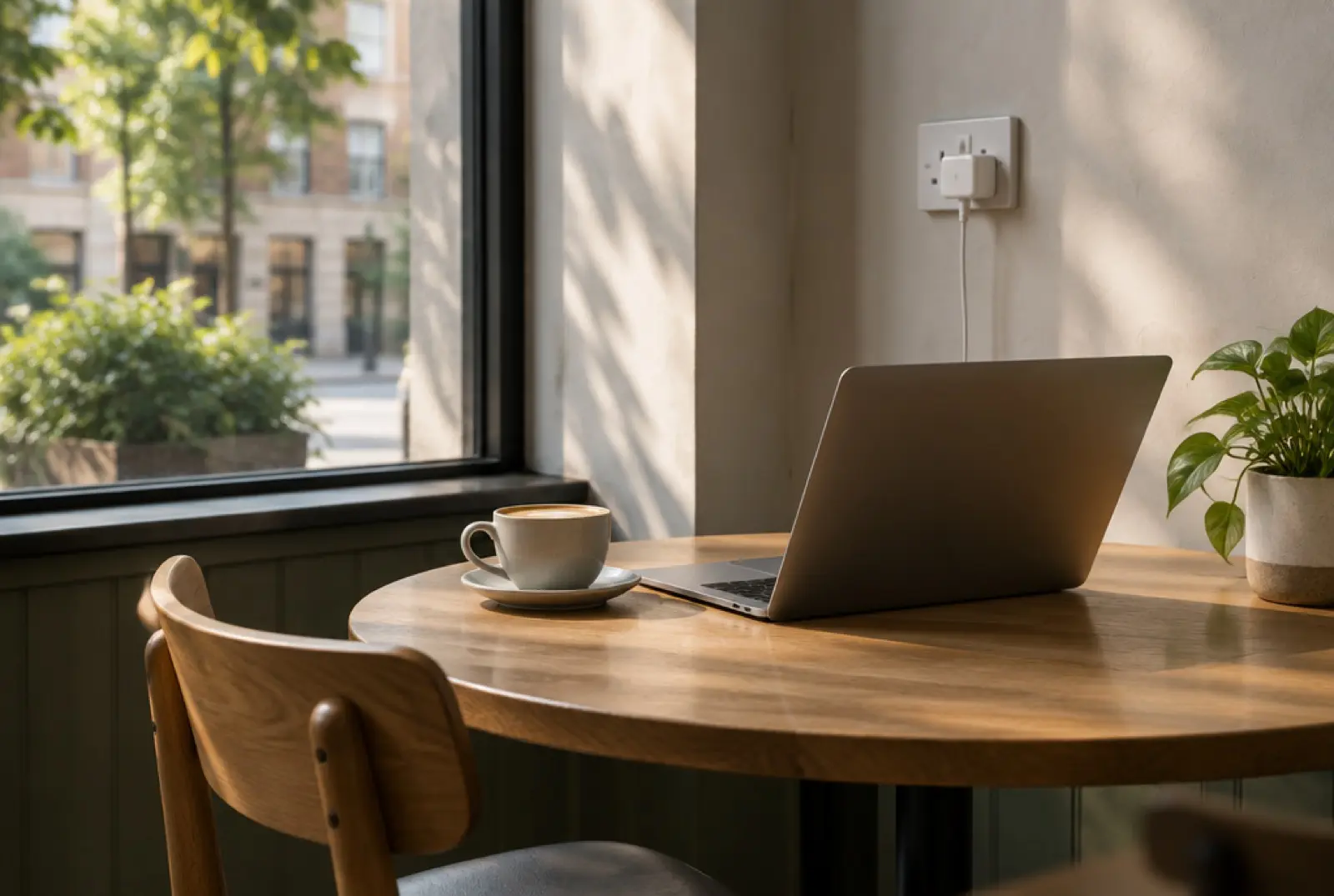
- Specialty coffee shops. Often have power sockets and decent Wi-Fi, but staff may expect you to buy regularly. Look for the laptop-friendly signs, and avoid peak lunch hours.
- Hotel lobbies and bars. Quieter mid-morning, often with good chairs and fast Wi-Fi. Many allow non-guests if you order something. Ask before you set up.
- Public libraries. Silent, free in many places and good for deep work. Rules on laptops, power and guest access vary, so check at the desk.
- Coworking spaces. Look at opening hours, meeting rooms, phone booths and day-pass terms. A trial day tells you more than a brochure.
- Co-living spaces. Combine a room with a desk area. Useful for a first month, but check noise and shared-space rules.
- Your apartment. Check the table height and chair before you book. Ask the host for a photo of the workspace and the router location.
Whichever type you use, bring a backup: a charged phone with a data plan can save a call if the venue’s connection drops. In a base like Brno or George Town in Penang, plan your mix of spots after you have seen how the neighbourhood works.
What to verify before you book a work setup
Some of the checks here are legal or contractual, not just practical. Confirm each on the official source or in writing, and do not rely on a listing or a forum post.
- Whether you may work on your visa or entry type. Many countries restrict work on a tourist entry. Verify with the official immigration source or the embassy for your passport.
- Coworking terms. Ask for the cancellation policy, the deposit, the opening hours and the guest rules in writing.
- Rental terms. Check whether the lease or host allows working from the flat and whether the internet is included.
- Internet speeds. Ask for a recent speed test from the host or venue, then run your own.
- Data and security. Public networks carry risks. Use a VPN and keep sensitive work off an open Wi-Fi network.
As of 2026 these terms vary widely, so check them for your dates.
Common mistakes when you compare a coworking space, cafe or home office
- Paying for a monthly pass before a trial day. A single day shows you the noise, the chairs and the connection.
- Working from cafés all day. Eight hours at a café table is costly in coffees and hard on your back.
- Taking calls in public places. Even a good café is a poor place for a client meeting.
- Ignoring upload speed. A fast download figure says little about call quality.
- Forgetting a backup. Keep a second venue or a mobile data plan ready.
- Booking a flat without checking the desk. A beautiful sofa is not a workspace. Ask for photos of the table and the chair.
- Choosing by cost alone. A cheap setup that costs you two hours of productivity a day is not cheap.
One-page work setup checklist
Tick each line when you have a real answer, not a guess.
- I know how many hours of focused work and how many calls a week I have.
- I have set a monthly ceiling for workspace costs.
- I have tested upload speed at the time I will work.
- I tried a day pass before paying for a month.
- My apartment desk has a proper chair and table, or I have a plan to fix it.
- I have a backup: a data SIM and a second venue.
- I know where I can take calls without background noise.
- I have checked the entry rules on the official source.
- I know the cancellation terms for my coworking space and my flat.
For a worked example of a country with several setup options, see our Portugal guide for remote workers.
FAQ: coworking vs cafe vs home office travel
Is coworking worth it for a one-month stay?
Often yes, if you take calls or work eight-hour days. Try a day pass first, then compare a weekly or monthly plan with your café spend. If you work light hours and mainly need a screen, a café and an apartment desk may be enough.
Is it okay to work from a cafe all day?
It depends on the venue. Many welcome laptops, but staff may expect regular purchases and may limit seats at busy times. Check for a laptop-friendly sign, buy something every couple of hours and move on if the room fills up.
How do I find a good apartment for remote work?
Ask the host for a photo of the workspace, the chair and the router, plus a recent speed test. Check that the table suits a laptop at elbow height. Book a refundable first week, so you can test the setup before committing to a full month.
What is the cheapest way to work remotely while travelling?
Usually a mix of an apartment desk and occasional café days. A flat with a workable table costs nothing extra, while coffee spending is easy to cap. Cheapest is not always best, though: factor in call quality and the cost of lost working hours.
Do I need a VPN on public Wi-Fi?
It is a sensible precaution. A VPN encrypts your traffic on shared networks, which lowers the risk of someone reading it. Pair it with updated software, a strong password manager and two-factor sign-in. For sensitive client work, avoid open networks and use mobile data.