To check internet speed before booking Airbnb or any rental, message the host and ask for a fresh speed test screenshot taken at the workspace, plus the connection type and how many people share it. Listings rarely give this, and a vague answer is information too. Most of us find out in week two. Here is how to ask first.
The short version
- Read the listing for any internet claim, and note the date of the latest reviews that mention wifi.
- Message the host with specific questions, including a request for a speed test screenshot.
- Decode the answers: connection type, router location, shared line, power backup.
- Book a flexible rate, or a short first stay, if you cannot confirm.
- Run your own test on the first day and use the platform’s cancellation rules if it fails.
Step by step
1. Read the listing and reviews for clues
Look for a dedicated workspace, a stated connection type or a mention of fibre. Then read reviews for words like wifi, internet, call or signal, and check their dates. A review from two years ago says little about today’s line. If nobody mentions the internet in many reviews, that is not proof it is good. It means you need to ask.
2. Ask the host the right questions
Send a short, polite message. Ask what type of connection the home has, what plan speed the host pays for, whether the router is in or near the workspace, and how many devices usually share it. Ask whether the line has ever dropped during a call, and whether there is a backup such as a second connection. Specific questions get specific answers.
3. Request a speed test, and say how
Ask for a screenshot of a speed test run near the desk, over wifi, on a recent date. A figure for the plan is not the same as what reaches your table. Here is a template: “Hi, I plan to work remotely during my stay and do video calls daily. Could you send a screenshot of a speed test taken at the desk, over wifi, showing download, upload and ping? Thank you.”

4. Decode what the answer means
Fibre or cable usually means more stable service than older copper or a mobile router. Upload speed and ping matter for calls as much as download. A single room far from the router, thick walls or a shared building line can lower real speeds. We cannot give you a magic number: it depends on your work, and a general guide is a few tens of megabits for solo video calls.
5. Check the surroundings, not just the flat
If the host cannot give a test, look at what else is available. Is there a coworking space within walking distance, a library, or cafes with day-long seating? These are your work-friendly spots by type, and they double as a fallback. Our guide to coworking vs cafe vs home office travel lays out how they compare. Also check mobile coverage in the neighbourhood, for a hotspot backup.
6. Plan your first-day test and exit
This is the test-it-yourself step. On arrival, run a speed test at the desk, then a real video call for 20 to 30 minutes, and repeat in the evening when the building is busy. If it fails, message the host straight away, keep screenshots, and read the platform’s cancellation and refund terms. Where you can, book a first stay of a few nights, then extend once you know.
Questions and what the answers mean
| Question | Good sign | Warning sign |
|---|---|---|
| Connection type | Fibre or cable, named clearly | No answer, or “it is wifi” |
| Speed test at the desk | Recent screenshot with download, upload and ping | Only the advertised plan speed |
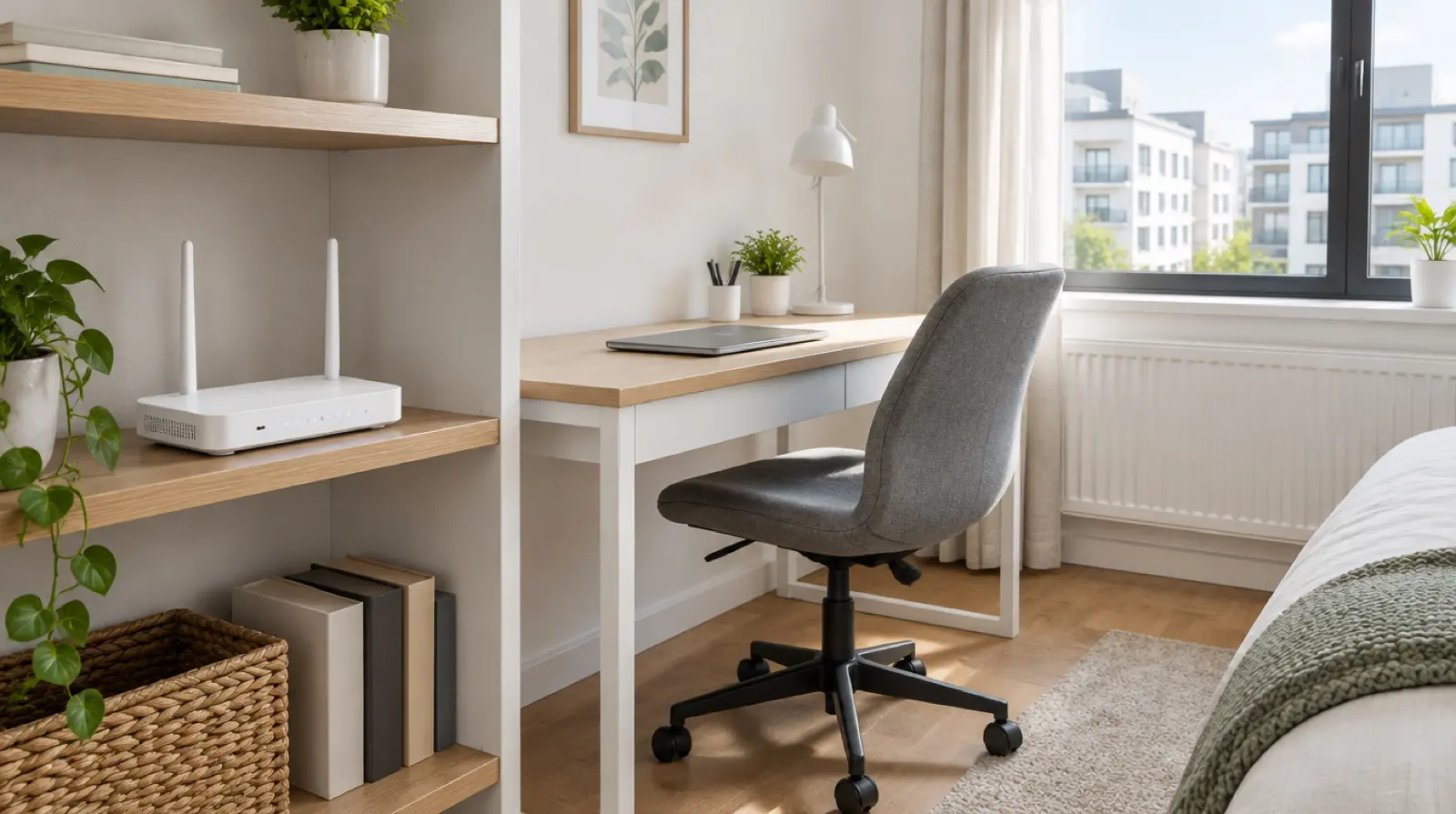
| Router location | In or next to the workspace | Far end of the flat, or behind walls |
| Shared line | Private line for the unit | Shared across several flats |
| Outages | Host mentions a backup or a quick fix | Host dismisses the question |
| Power cuts | Host knows how often, or has battery backup | No idea |
For a one-month budget band, a place with a proven connection may cost somewhat more per night than a cheaper listing without one. Over a working month, that premium is often small next to a lost client call. Treat any figures as ranges and compare actual listings.

Common mistakes
When you check internet speed before booking Airbnb stays, these errors come up most.
- Trusting “fast wifi” in the listing. It is a marketing phrase, not a measurement.
- Asking only for download speed. Upload and ping decide how calls feel.
- Accepting a test taken next to the router. Ask for the desk, where you will sit.
- Booking a month with no way out. Check the cancellation terms before paying.
- Leaving the decision to the nightly price. A cheap room with weak internet can cost you work.
If you are still deciding where to live, our guide to how to choose a base city for remote work covers neighbourhoods and routine.
What to verify before you go
- The platform’s current cancellation, refund and host-communication rules, on its own help pages.
- Whether the host’s description matches your answers, since listings can be out of date.
- Whether your visa or stay allows remote work in that country, and for how long. Rules change, so check the official immigration authority.
- Whether your phone plan or eSIM can act as a backup hotspot.
- Whether the neighbourhood has regular outages, using local residents or the host as sources.
FAQ about checking rental internet speed
What internet speed do I need for remote work?
It depends on your job. Video calls and large uploads need a steadier, faster line than email and documents. As a loose guide, look for a reliable connection with decent upload as well as download, and confirm what your employer or tools recommend.
Can I trust a host’s speed test screenshot?
It is useful but not proof. Check that it shows a recent date, the wifi connection and a spot near the desk. Run your own test on arrival, and keep screenshots in case you need to raise an issue with the host.
What if the host does not reply about wifi?
Treat silence as a risk. Choose a listing whose host answers clearly, or book a short first stay. If your work depends on the line, a rental with a confirmed connection or a nearby coworking space is safer.
Can I get a refund if the internet is too slow?
It depends on the platform’s policy and the listing’s claims. Report the problem quickly, keep screenshots of tests and messages, and read the current terms. Nothing is guaranteed, so ask the platform’s support what applies to your booking.