A backup internet plan remote work travel setup means never depending on one connection: a main line, a backup on a different network, and a last resort for deadline days. Most of us skip this until a call drops in week two. Setting it up takes an afternoon and costs little compared with a missed meeting.
The short version
- Choose a primary connection, usually the wifi at your rental or coworking space.
- Add an independent backup, such as a phone hotspot on a mobile network.
- Name a last resort, a place you can walk to and work for a few hours.
- Test all three in your first week, before you need them.
- Write down what to do when the main line fails, and tell the people you work with.
Step by step
1. Define what your work actually needs
Start with your own workday, not a speed number. Video calls, large file uploads and remote desktops each need different things, and stability matters more than peak speed. Write down your must-haves: for example, two calls a day, one upload window, and a hard stop for a deadline. A backup only has to cover the must-haves, not everything.
2. Pick a primary connection and check it
Your primary is normally the fixed line in your accommodation or a coworking space. Before you commit to a base, check it as described in our guide to how to choose a base city for remote work. Ask for a recent speed test, ask how many people share the line, and ask what happens during a power cut.
3. Add a second line on a different network
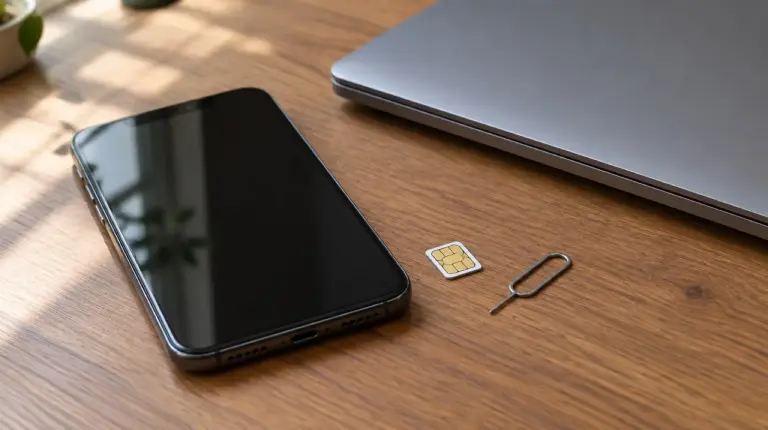
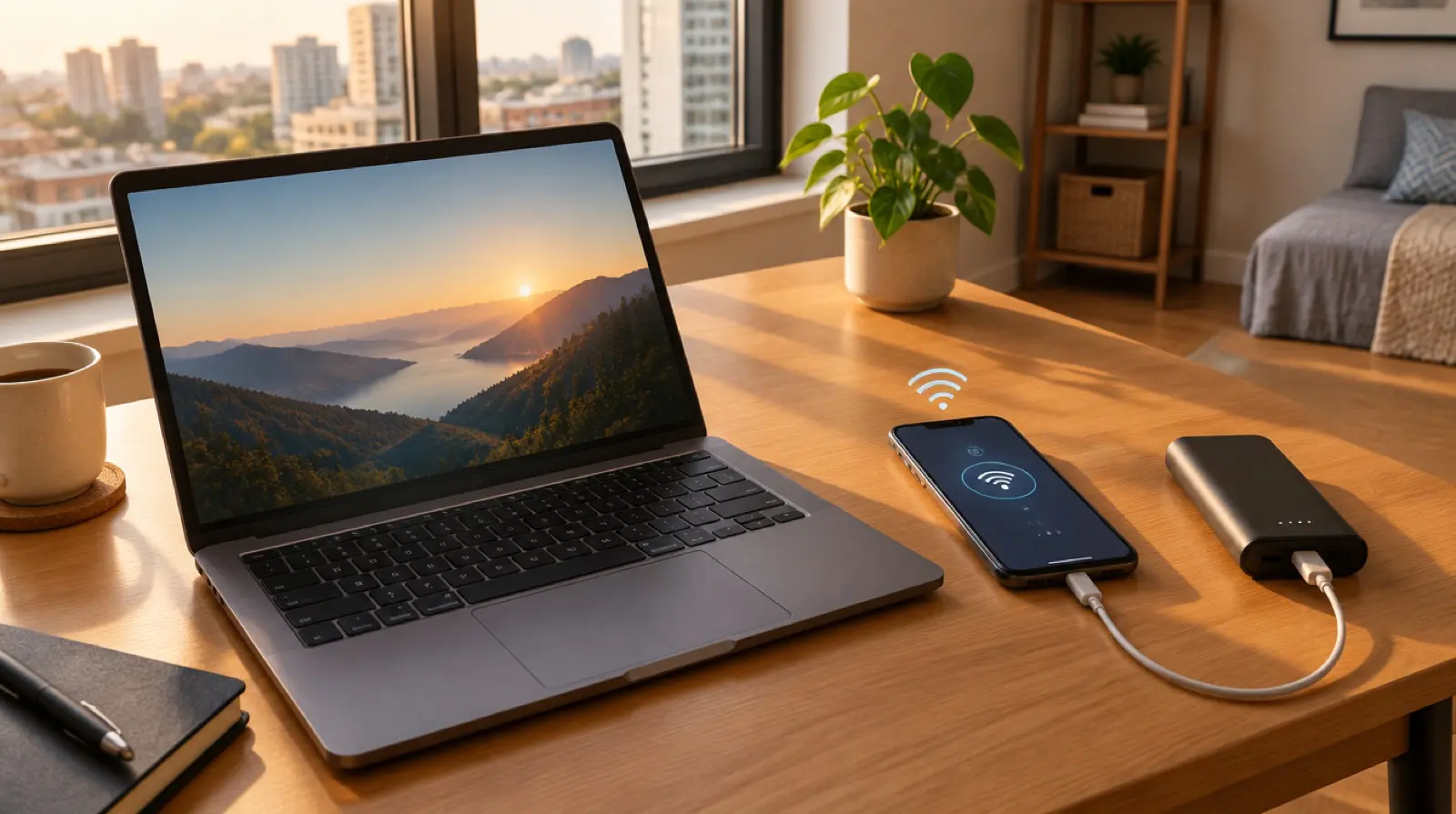
The backup must fail for different reasons than the primary. A phone hotspot on a mobile network is the obvious choice, because a broken fibre line does not take it down. Use a local plan or an eSIM with enough data for a few hours of calls and a hotspot allowance. Check that the plan permits tethering, because some cheap plans do not.
4. Choose a last-resort place to work
When both lines fail, you need somewhere to go. Think by type: a coworking space with a day pass, a library, a hotel lobby, or a cafe with a reputation for steady wifi. Each has a trade-off in noise, cost and call privacy. Our comparison of coworking vs cafe vs home office travel covers how they differ. Note opening hours and the walking time from where you sleep.

5. Protect the power side
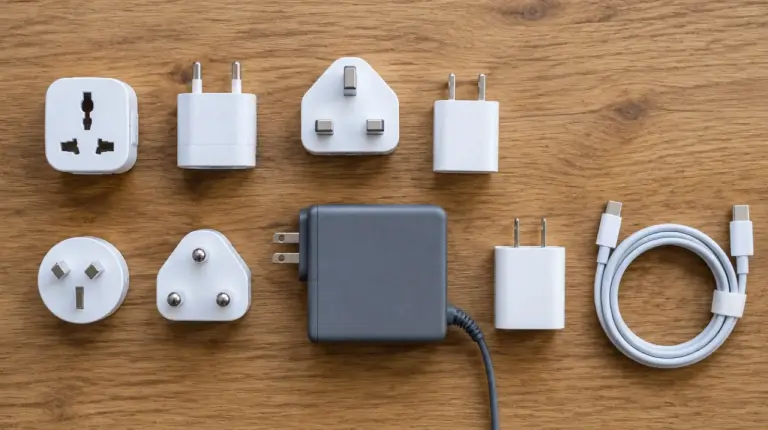
Internet fails less often than electricity in some places, and a router with no power is no internet at all. Carry a power bank for your phone and, if you can, a small one that can run a laptop for a few hours. Keep your laptop and phone charged overnight on days you have a critical call. Ask your host whether the building has a generator or battery backup for the router.
6. Run the tests and write the fallback
This is the test-it-yourself part. In your first week, switch off the main wifi and run a call on the hotspot. Walk to your last-resort place at the time you would need it. Time how long each switch takes. Then write a three-line fallback note: what to do, who to tell, and which tasks to move if you lose the afternoon. Nobody can promise your connection will hold, and a guide like this cannot either. Only your own tests can. Add the date you tested to the note, and redo the tests after any change of base.
A simple checklist and budget band
Here is the backup internet plan remote work travel checklist in one place.
| Layer | Typical option | Rough monthly cost | Test in week one |
|---|---|---|---|
| Primary | Rental or coworking wifi | Usually inside rent or membership | Speed, stability, a full video call |
| Backup | Phone hotspot on a local plan or eSIM | Roughly $5 to $40, depending on country and allowance | Tethering works, a call holds for 30 minutes |
| Last resort | Coworking day pass, library or cafe | Often $0 to $20 per visit | Walk there, check hours and noise |
| Power | Power bank, plus laptop charged in advance | One-off purchase | How long a full charge lasts on a call |
For a one-month budget band, the whole backup layer is typically a small share of your monthly spend. The second data line is the main recurring cost, and prices vary a lot by country. Treat the figures as ranges and confirm current prices locally.
Common mistakes
These are the usual ways a backup internet plan remote work travel setup fails in practice.
- Using the same network twice. A hotspot from the carrier that also supplies your home wifi can fail at the same time.
- Trusting a host’s number. A listing claim is not a measurement. Ask for a fresh test, then run your own on arrival.
- Testing only speed. Look at stability over an hour, not one fast result.
- Burning the backup data on routine browsing. Keep it for work and set a usage alert.
- Working from a cafe without checking call privacy. Noise and shared wifi may not suit client calls.
What to verify before you go
Several points depend on the country and on your own contracts, so check them with the right source:
- Whether your mobile plan allows tethering and how much data hotspot use consumes.
- Whether your employer or clients require a specific security setup on shared or public networks, and what your company policy says about it.
- Whether your visa or stay allows remote work for a foreign employer. Rules differ by country and change, so ask the official immigration authority or an adviser.
- Whether the area has regular power cuts or storm-season outages, which local residents or the host can describe.
FAQ about backup internet for remote work
What is the best backup internet for remote work while travelling?
For most people it is a phone hotspot on a mobile network separate from the main wifi. It is quick to set up and fails for different reasons. Check that your plan allows tethering and has enough data for a few hours of calls.
How much data do I need for a backup connection?
It depends on how much you use video. A video call typically uses far more data than email or chat, so plan around calls. Check your video app’s settings for lower quality, and look at your plan’s allowance before you rely on it.
Is coworking a good backup for home wifi?
It can be, especially with a day pass, because coworking spaces usually have business-grade lines and often a generator. Confirm that day passes exist, check opening hours, and note that a space can also go offline. Keep a hotspot as well.
Should I carry a second SIM or router?
A second SIM or eSIM on a different carrier gives the most independent backup, and many phones support two lines. A portable router adds cost and another device to charge. Start with a hotspot on your phone and add hardware only if you need it.